
How CollectionDB works
CollectionDB is a catalogue of collectibles built by its members, and a place to keep track of your own collection. Here is the essential, in one minute.
-

1. Find your items
Search by title, series, character, artist or company, or browse the catalogue with its filters. Each item page gathers pictures, releases, prices and links.
-

2. Add them to your collection
On an item, pick a status: wished, ordered, owned or previously owned. You can add the price, the date and the shop, and it all shows on your profile.
-
3. Keep it organised
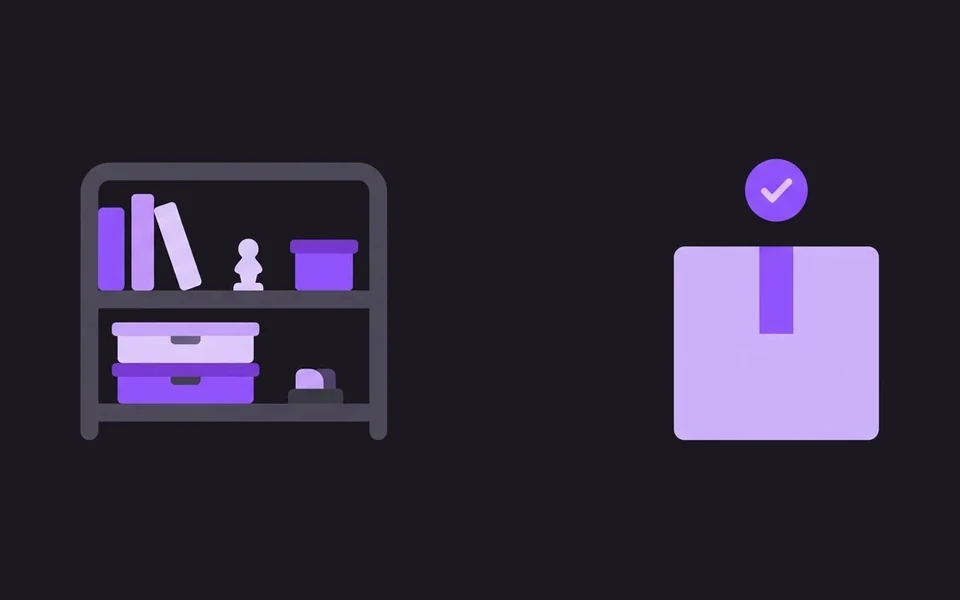
Follow your orders in Shipments, arrange your items on your Shelves, and watch series or companies to be notified of new releases.
-

4. Make the catalogue better
An item is missing or incomplete? Add it or improve it. Every contribution earns experience, and levels unlock more editing rights. Moderators check new items.
Items and entities
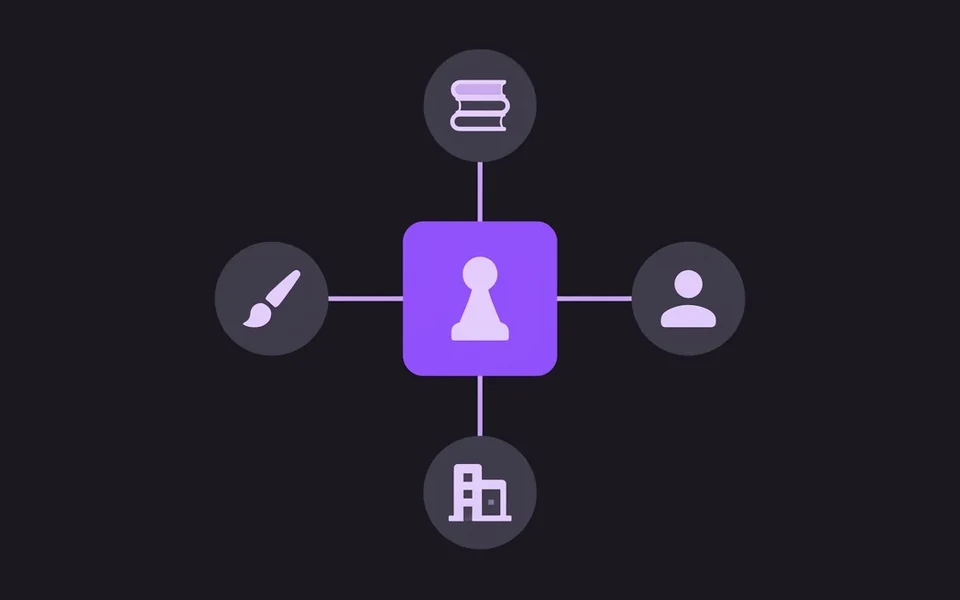
An item is an object (a figure, a book, a CD). An entity is what it is linked to: a series, a character, an artist, a company or an event. Open an entity to see all its items.
- Choose who can see your collection and wishlist in your settings.
- Adult content is hidden by default: your filters decide what you see.
- Before adding or editing, have a quick look at the guidelines.